The Simple Smart Home
Controlling your smart home
Individual Device Control
Just like a normal home.
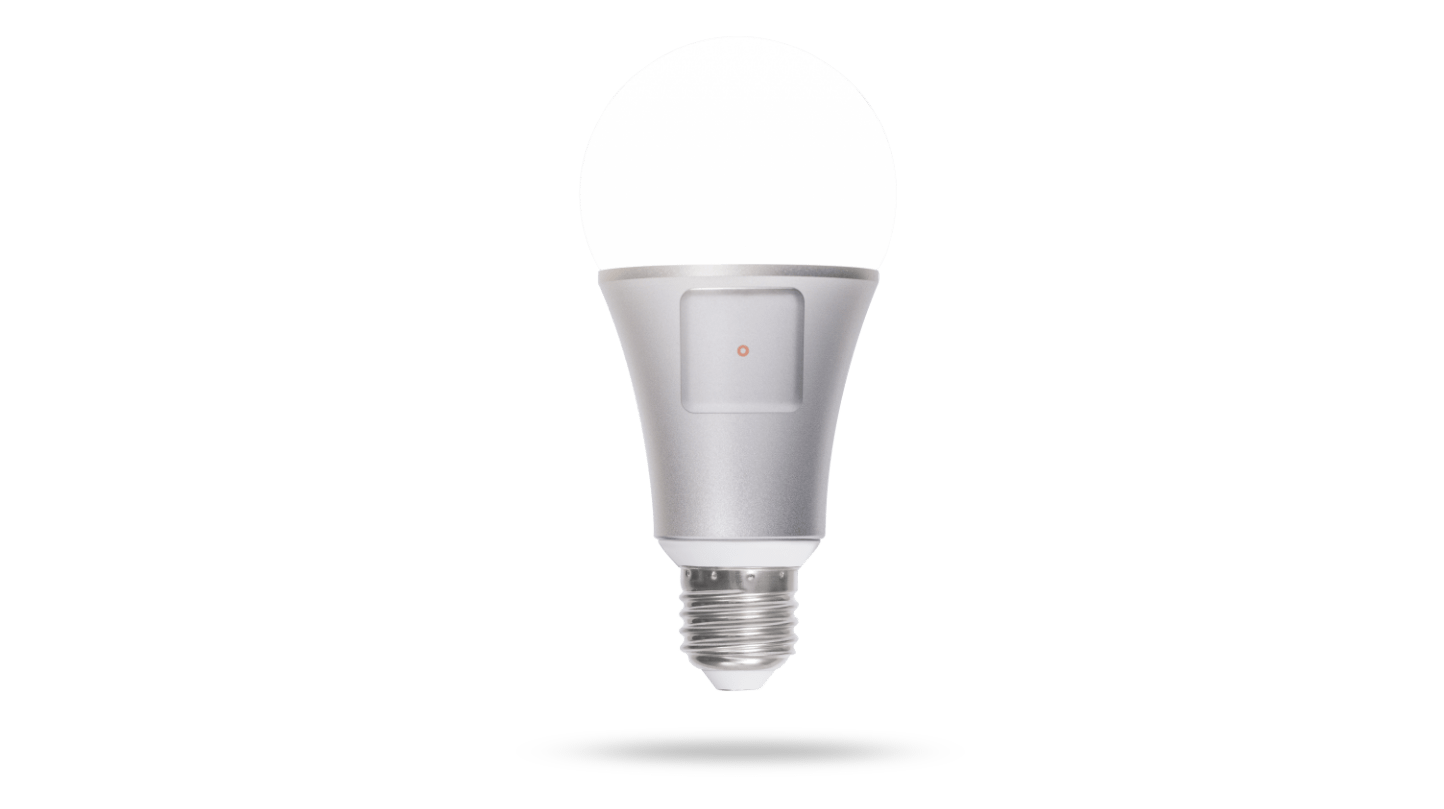
You can control everything in your home individually. Turn on a light, adjust your thermostat, or play some music. But, you can also control these devices wirelessly. Our smartphone apps allow you to control your home from across the room or around the world. Unlike other systems, Oomi also comes with Oomi Touch, a dedicated smart home controller that offers more functionality.
Scenes
Set a bunch of devices at once.
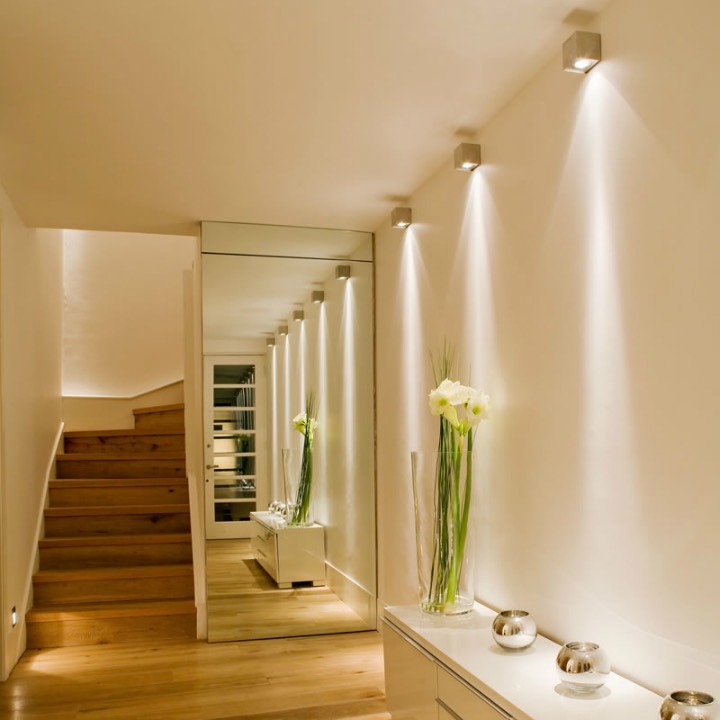
Oomi allows you to create shortcut buttons for setting lots of devices at once, called scenes. A scene is a bunch of devices set a specific way. For example, you could set up a scene where all of your devices are turned off. Now, you can just click on that scene and your entire home will turn off. Check out some other examples of scenes:
Nighttime Scene
In this scene your lights would be off, your doors would be locked, and your security would be turned on.
Dinnertime Scene
In this scene your dining room lights would be set to the perfect brightness. The kid’s TV might also be turned off.
Movietime Scene
In this scene your music would be paused, your TV would be turned on, and your lights would be dimmed.
Automations
Have your home manage itself
Once you’ve created scenes that you know and love, you can set them to happen automatically for your convenience. For example, you can have your “nighttime” scene activate automatically when you go to bed. That’s as far as we’ll dive into automations for now. We will talk about how they work in the last section.