The Simple Smart Home
Automating Your Smart Home
What is an Automation?
Automations are rules that tell your home when to do something. Here are some examples.
If my room is colder than 70º,
turn on my heater.
When there is unexpected motion past 11pm, set off the alarm.
When I enter my room,
turn on my lights.
When the liquor cabinet is opened,
notify me.
The Trigger
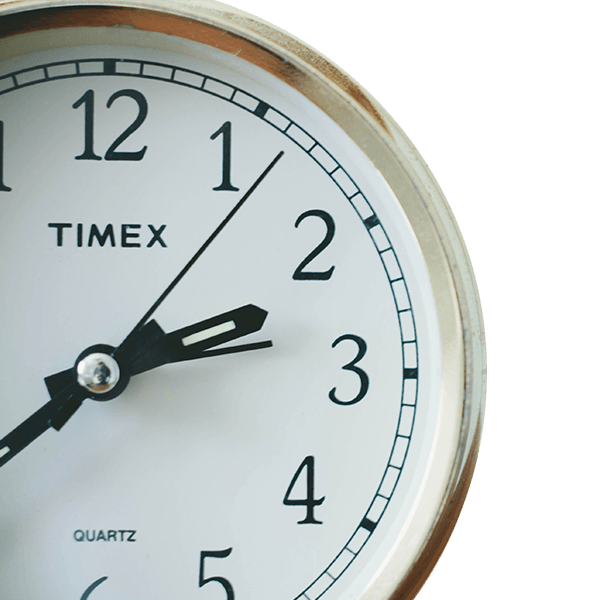
The trigger is what indicates it’s time to start your automation.
Oomi needs to know when you want things to happen. That’s exactly what a trigger does. The most common trigger is the time of day, which lets you set something happen at 7:00am. Remember the sensor type devices that make your home smarter? They do that by being potential triggers. For example, a motion sensor could trigger an automation when you enter a room.
Events
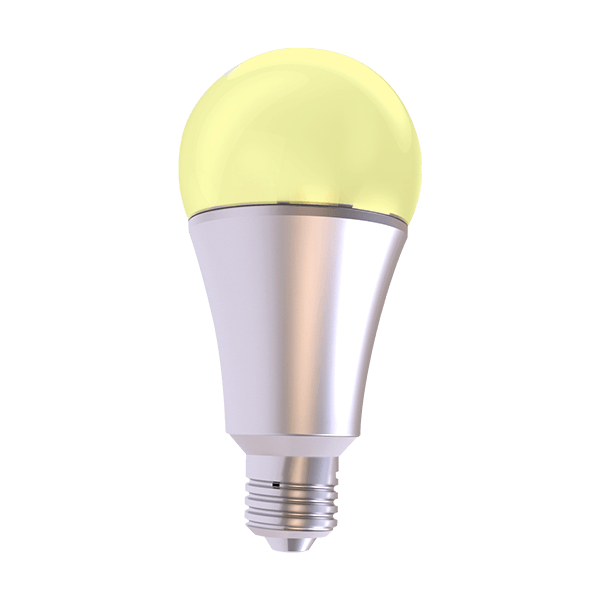
What you want to happen.
The next piece of information Oomi needs to know is what you want to happen, that’s what we call an event. Anything controlled by your Oomi system can be part of your event. For example, lights turning on or your music beginning to play.
Conditions
Limit the range of a trigger.
You can tell Oomi that there are some exceptions to your new automation. These exceptions are called conditions. For example, let’s say you have set your bathroom lights to come on to full brightness when you enter the room. That’s great during the day, but it will hurt your eyes if it happens in the middle of the night. So, you set a condition that tells Oomi to ignore the automation if it’s after 10pm.